The Engineering Decision Trail
Find where the plan changed, the agent drifted, or production broke.
Link specs, issues, PRs, agent sessions, and incidents to understand what changed, why it changed, and what to do next.
Review PRs faster
See the original intent, key decisions, and what changed during implementation.
Resume work faster
Understand what agents tried, what changed, and what still needs doing.
Fix incidents faster
Trace breakages back to recent work, stale assumptions, and decision drift.
Start where it hurts
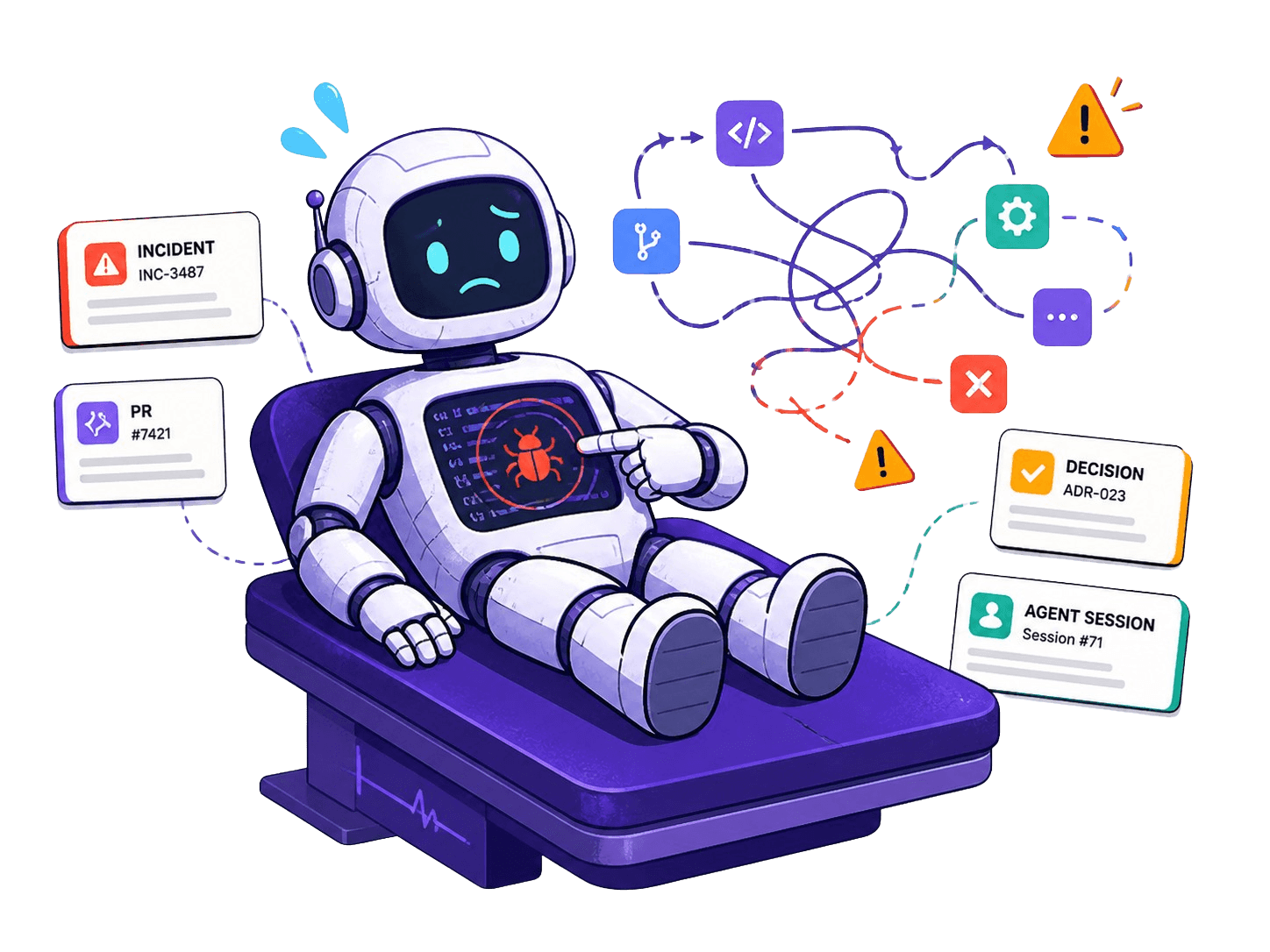
What broke this time?
Trace incidents back through issues, PRs, decisions, and AI sessions.
Learn more →Where did this project go sideways?
Reconstruct scope changes, missed assumptions, and unfinished follow-up work.
Learn more →Why does this bug keep coming back?
Surface recurring patterns across incidents, tickets, and code changes.
Learn more →Can this PR be trusted?
Validate changes against prior decisions, known incidents, and project context.
Learn more →What did the last agent do?
Resume work with captured attempts, blockers, decisions, and next steps. Run kleio resume to pick up where you left off.
Learn more →What did we forget?
Turn retros, incidents, and loose context into tracked backlog work.
Learn more →Sound familiar?
Every team has a system for tracking decisions. None of them keep up.
“Tickets contain the why”
…until implementation diverges from the plan.
“Commit messages contain the why”
…until decisions happen outside of git.
“Code comments contain the why”
…until they become outdated or incomplete.
“Documentation contain the why”
…until nobody updates it under pressure.
“PR discussions contain the why”
…until they get buried and become untraceable.
“AI summaries contain the why”
…until they summarize what happened, not why.
Systems don't fail because they're wrong. They fail because they don't scale with speed and volume.
What Kleio captures
Not a documentation tool, not a better commit system, not a knowledge base. Kleio captures decisions where they actually happen.
Decisions
Capture the reasoning behind choices—from architecture calls to micro-decisions made mid-session. Future rationale, preserved.
Checkpoints
Mark implementation slices with validation status, deferrals, and context that survives squash merges and rebases.
Work items
Follow-up work captured in the moment, auto-synthesized into a prioritized backlog with semantic deduplication.
Slots into your editor, your GitHub, your CLI. No new tab to babysit, no process to enforce.
Use event sourcing for audit trail
Chose event sourcing over CDC. Simpler replay, better provenance fidelity.
Auth middleware complete
JWT validation + role-based guards. 4 files changed, tests passing.
Add rate limiting to /api/captures
Flagged during PR review. Linked to KL-42.
How it works
Three steps. No workflow changes required.
Capture
Decisions, checkpoints, and work items flow in automatically from your editor (MCP), CLI, and GitHub.
Connect
Signals are linked, deduplicated, and synthesized into a structured backlog with provenance trails.
Query
Ask "why does this look like this?" and get answers grounded in your team's actual decision history.
Kleio Workflow
Built for teams who hate losing context
Automatic capture
Decisions, checkpoints, and context flow in from Git, agents, and your CLI.
Zero workflow changes
Works alongside Cursor, Claude, and your existing Git flow.
Structured backlog
Search, filter, and triage everything your team and agents produce.
See it in action
An agent plans a migration. Kleio captures every signal along the way.
Agent Plan
Task: Migrate auth from Firebase to Clerk
- 1.Scaffold Clerk provider and session hooks
- 2.Replace Firebase login/signup flows
- 3.Update API middleware for Clerk JWT validation
Press Build to run the capture demo.
Your AI agents already make decisions. Kleio makes sure they're remembered. Try it free →
Built for your role
Kleio works differently depending on your role. Find your path.
Engineers
Stop re-explaining decisions. Let Kleio remember so you can build.
Learn more →Engineering Managers
Know what your team decided and why\u2014without scheduling another meeting.
Learn more →Product
Stay informed on engineering decisions without micromanaging the process.
Learn more →Engineering Leadership
Architecture governance that works because it\u2019s invisible.
Learn more →Pricing
Start free, upgrade when your team needs more captures, members, or retention.
Pro
- 10,000 captures / mo
- 10 members
- 50 repos
- 1-year retention
- Bring your own key
Team
- Unlimited captures
- Unlimited members
- Unlimited repos
- 3-year retention
- Bring your own key
Ready to stop losing the “why”?
Connect your workspace and start capturing decisions today.
Stay in the loop
Get notified about new features, integrations, and product updates.